Establish Trust.
Improve Outcomes.
Rapidly build trust with patients through provider-recorded videos that are proven to improve clinical, operational, and financial outcomes.
15-years of proven results
Reduction in new patient no-show rates
Reduction in elective procedure cancellation rates
Reduction in post-procedure ER visits
Improvement in shared decision making
Patients watched all, or almost all, of their provider's videos
Patient satisfaction scores (n=7,701 patients)
Unlimited Patient Engagement from a Simple Recording Session.
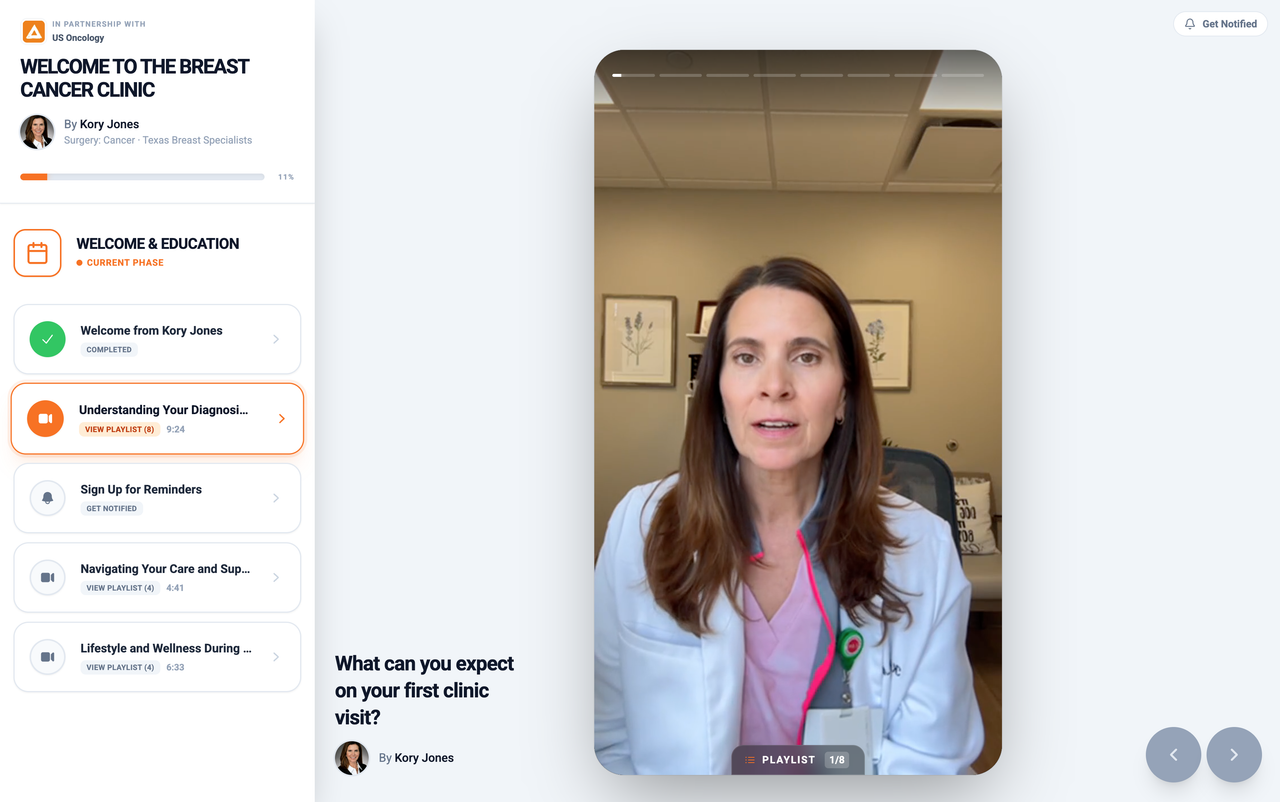
Providers use the Vidscrip Studio App to record their own answers to common patient questions. Vidscrip automatically delivers the videos to patients at key moments in their care journey.
When do I need to stop eating and drinking before my procedure?

“”
Trusted by Providers.
Hear how Vidscrip is transforming practices across specialties.

Dr. Michael Waggoner
Ophthalmologist
Boozman-Hof Eye Surgery & Lasik Center
"Since using Vidscrip, we've seen dramatically improved efficiency in the clinic. Our conversion rates are higher, and the number of post-op callback questions has significantly decreased."

Dr. Debra Patt
Oncologist
Texas Oncology
"Vidscrip Journeys have become a vital component of our patient engagement strategy. It visibly reduces anxiety and ensures patients are much better informed before they even walk in."
.avif)
Dr. Joseph C. Chip Hodges
Radiation Oncologist
Longview Cancer Center
"Interactions with new patients are completely different now. Patients feel they already know me before our first consultation, leading to much faster and deeper engagement."
Trusted by Practice Leaders.
Our team will guide your practice through a proven approach to maximize impact.
Connect The EMR
Data Sharing
Data drives everything we do. The EMR connection automates patient enrollments, guides content planning, and measures results.
Patient Onboarding
Reduce No-show Rates
Providers record a Journey for new patients that is proven to establish trust, reduce no-shows, and improve shared decision making.
Clinical Journeys
Target Core KPI's
Providers record Journeys that improve clinical and operational outcomes like surgery cancellations and post-procedure complications.
Patient Nurturing
Grow The Practice
Providers record Vidscrip Journeys that engage new patients via the website, at the point-of-care, and through physician referral networks.
Trusted by IT and Security Teams.
Enterprise-grade infrastructure, continuous compliance monitoring, and transparent data protection.
Explore Our Live Trust Center
We believe transparency is key to trusted healthcare partnerships. Visit the Vidscrip Trust Center to review our real-time security posture, inspect compliance reports, and request our security documentation.
Frequently Asked Questions
Everything you need to know about getting started.